PSU Guide - Update Aggregation Dashboard
This dashboard allows the PSU to manage accounts and authorizations, making it more straightforward and streamlined compared to the full dashboard. For this reason, it is almost always the recommended choice to implement.
To grant access, the FPP must invoke the "POST UpdateAggregation" endpoint and redirect the PSU to the link obtained in the response.
The PSU will then need to authenticate using the credentials chosen during the onboarding phase.
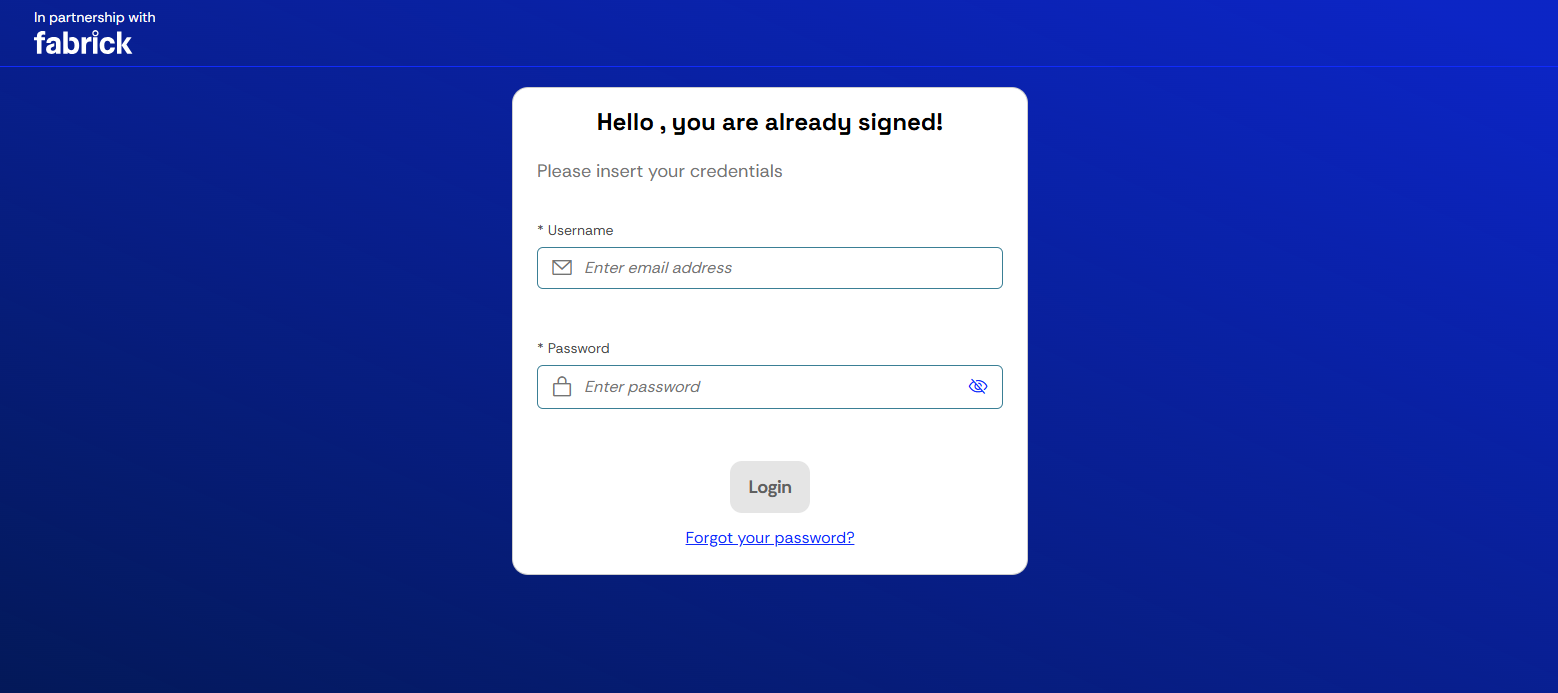
It is not possible to skip this step or allow the FPP to perform authentication via API. The PSU must therefore proceed with the login on this page, optionally saving their credentials in their browser or account for easier access.
Once authenticated, the link will no longer be valid; if clicked, the following screen will be displayed
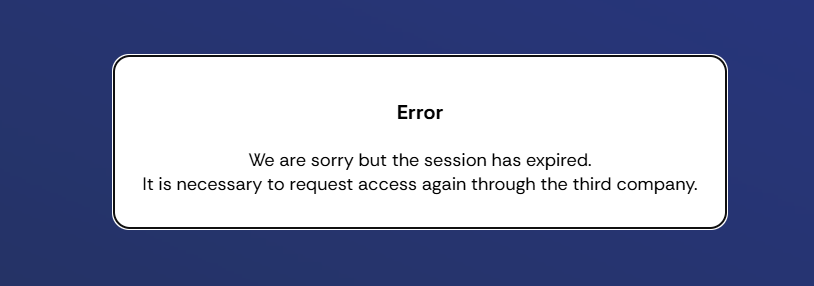
obviously in the selected language.
After logging in, the PSU will land on the home page
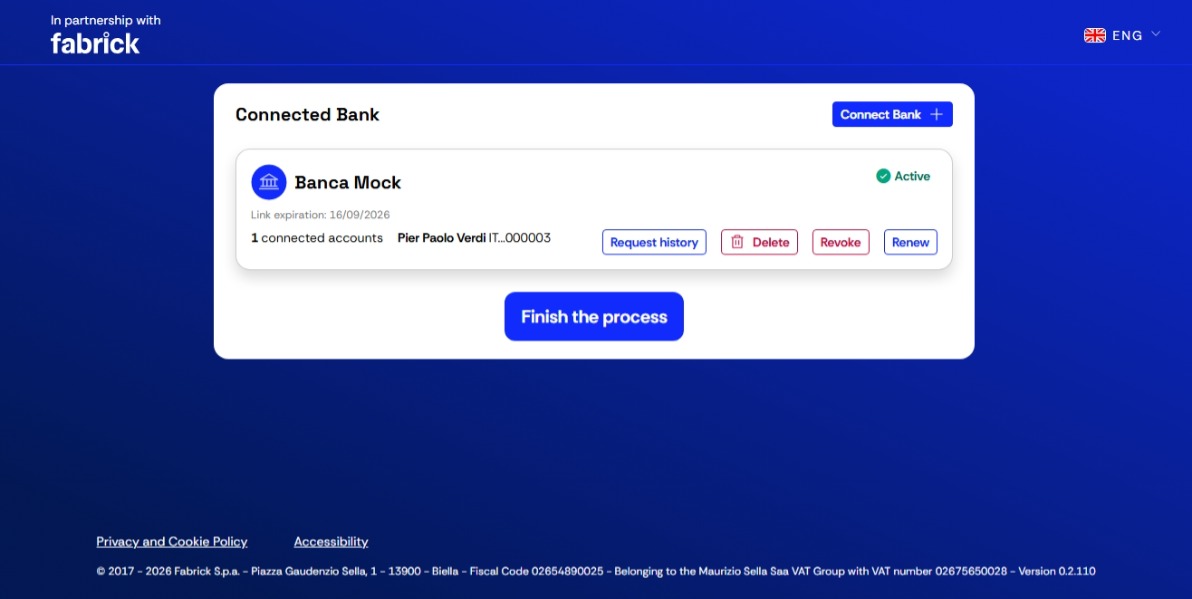
where they will be able to manage their situation:
- Connect Bank: aggregate a new account
- Request history: the PSU can request the download of the transaction history for the account in question. The time period depends on the bank where the account is held. This option is also available to the PSU only if the FPP has enabled it during the setup phase
- Delete: deletion of the aggregation; in this case the account will be permanently deleted and it will not be possible to recover the information associated with it. A new aggregation will be required
- Revoke: consent revocation; in this case the account will remain stored, but will no longer be updated since there is no active consent. A consent renewal will be sufficient to restore the previous situation
- Renew: consent renewal, i.e. renewing the consent to allow the continuous update of account-related information. By regulation, consent has a duration of 180 days. Consent can be renewed at any time, not necessarily on the 180th day. From the moment of renewal, the consent duration will be reset to a further 180 days. In case of renewal after the 180th day, for example renewal on the 185th day:
- information will not be able to be updated between the 181st and the 185th day
- at the time of renewal, Fabrick will also retrieve and update the previous 5 days.
Once the operations are complete, the PSU can click Finish the process and will be redirected to the page indicated by the FPP.