Affiliation: grantor guide
Introduction
This document describes all the steps that the end customer will need to follow in order to complete the onboarding phase.
The FPP will need to create the link as described in the technical documentation and share it with their customer. Once the link is clicked, the registration phase will begin as shown in the following screenshots.
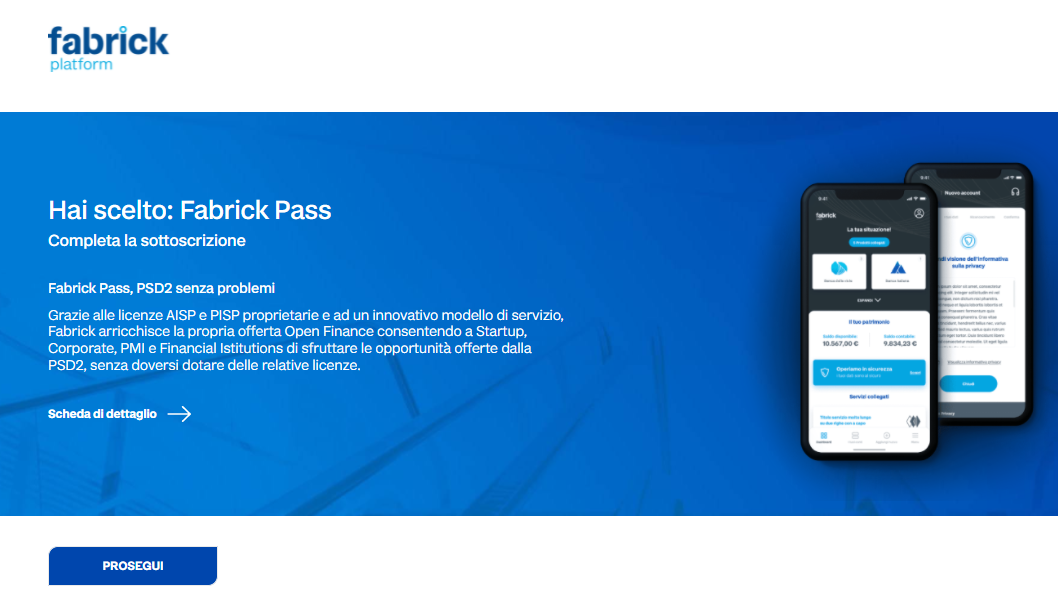
Onboarding
Below are the various steps to complete the onboarding.
Registration
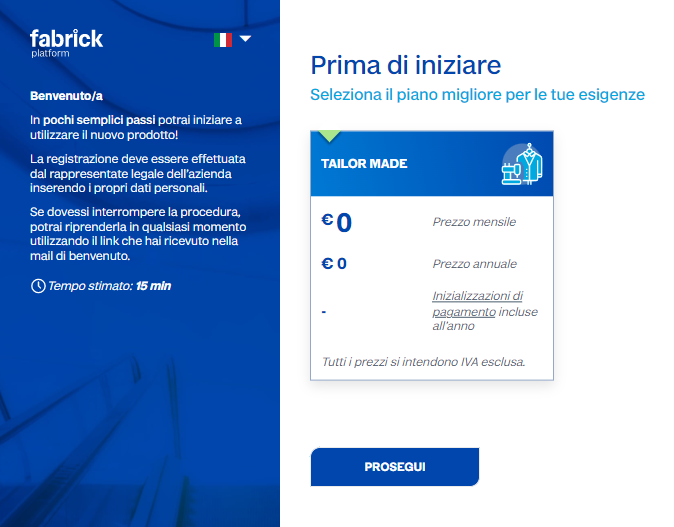
Upon pressing the "Continue" button, one or more plans will be available to choose from. At present, only the plan shown at €0 in the figure exists.
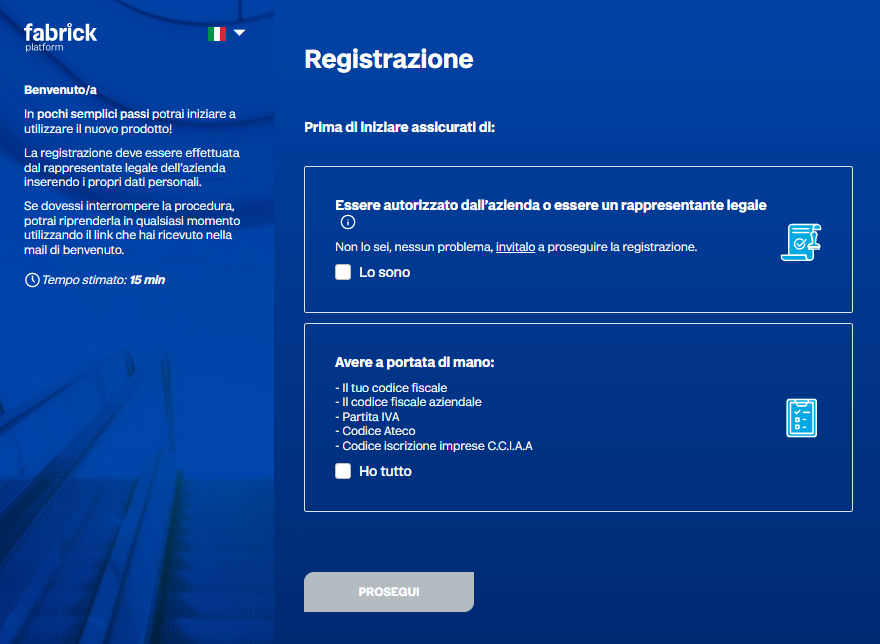
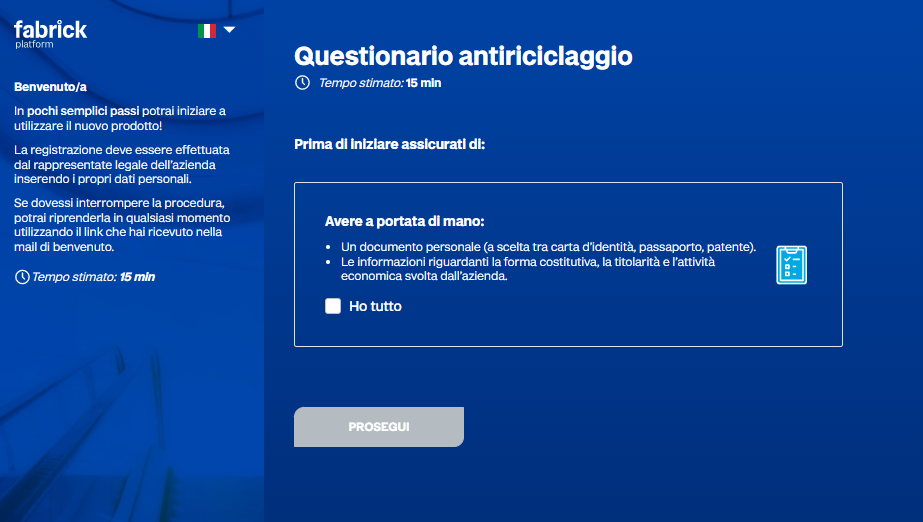
Continuing, a recap of the prerequisites required to proceed is displayed.
Proceeding further, the registration or login phase is reached.
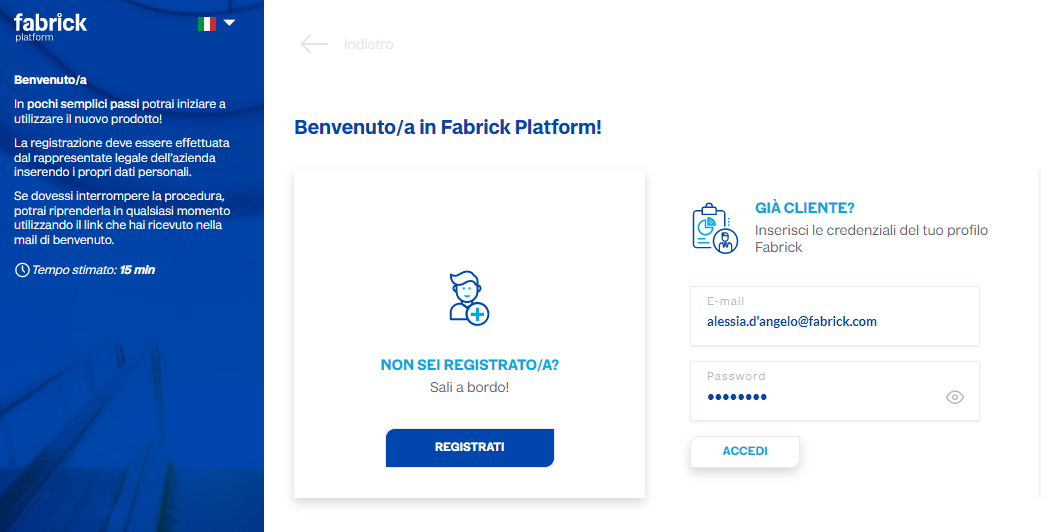
If the legal representative has already completed the onboarding process for a previous company, they can log in using the credentials chosen during the previous registration, which will take them to the following screen:
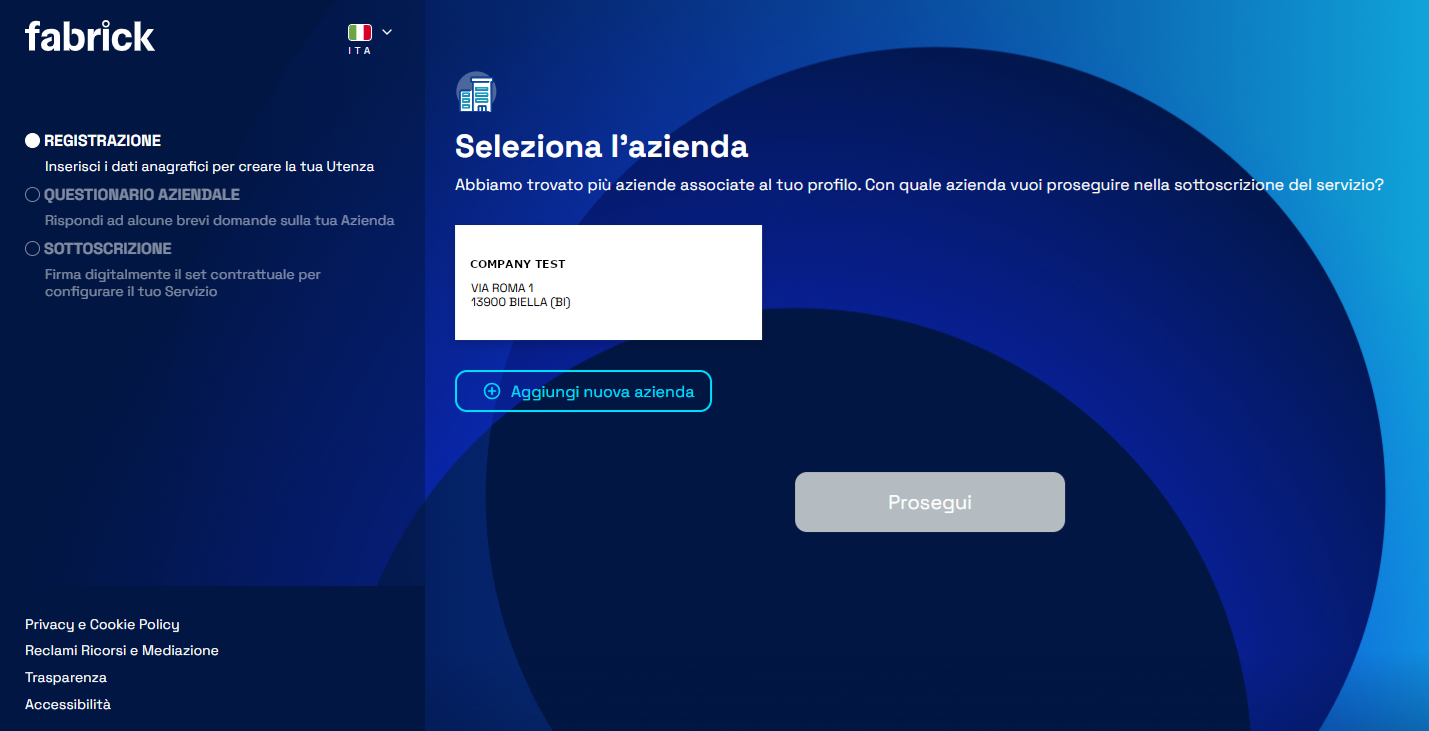
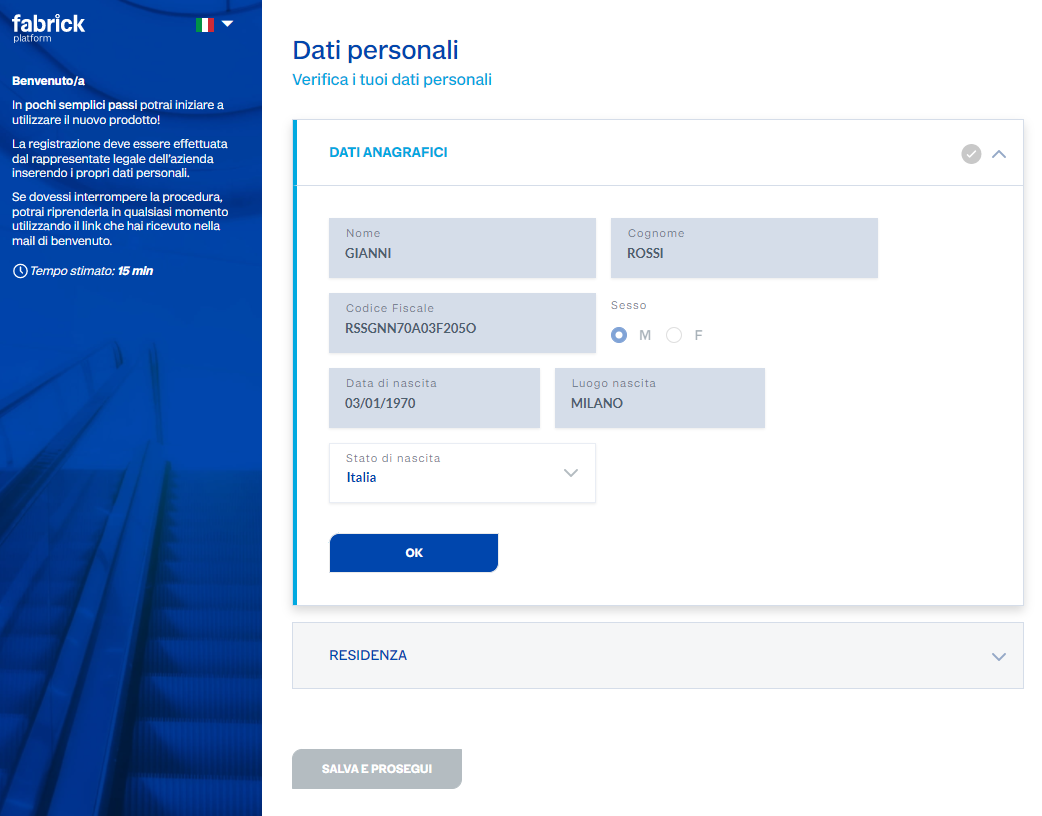
However, for the purposes of this example, let’s assume we’re proceeding with a new registration; we’ll need to enter the personal information
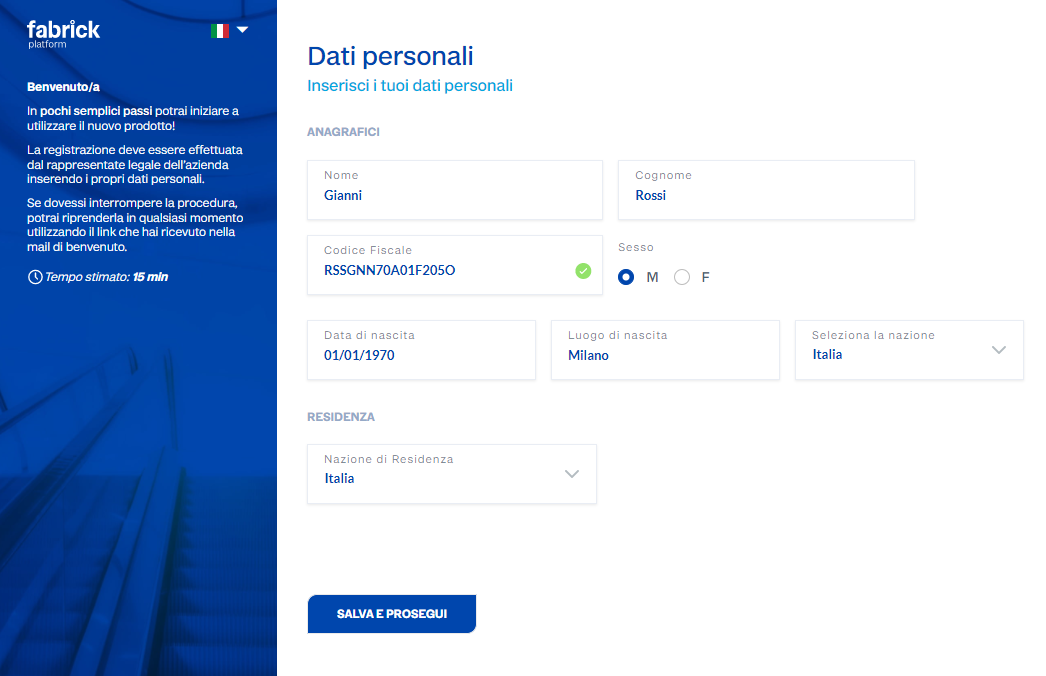
and the email address, phone number and a personal access password must be provided.
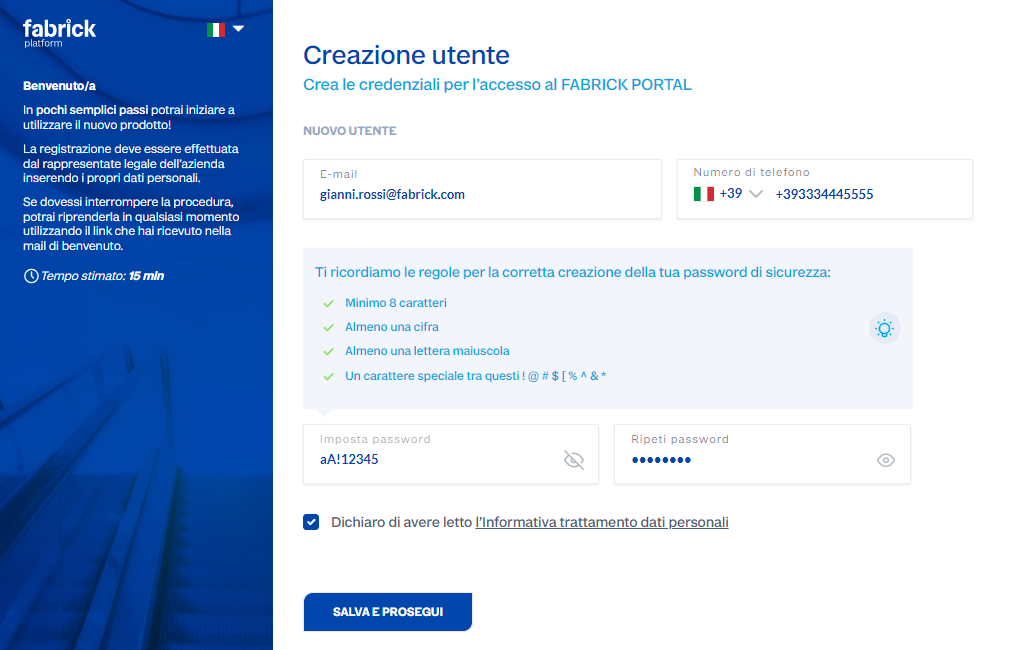
To validate the email address, Fabrick will send an email containing an OTP code to be entered in the following screen.
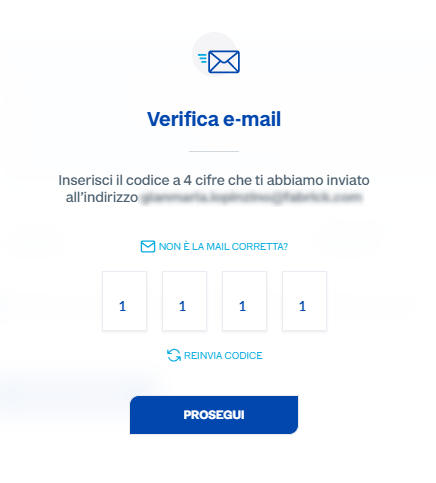
If the correct OTP is entered, it will be possible to proceed with the next steps.
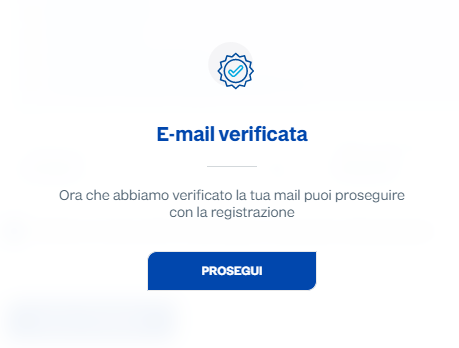
Once the natural person has been registered, the company registration follows.
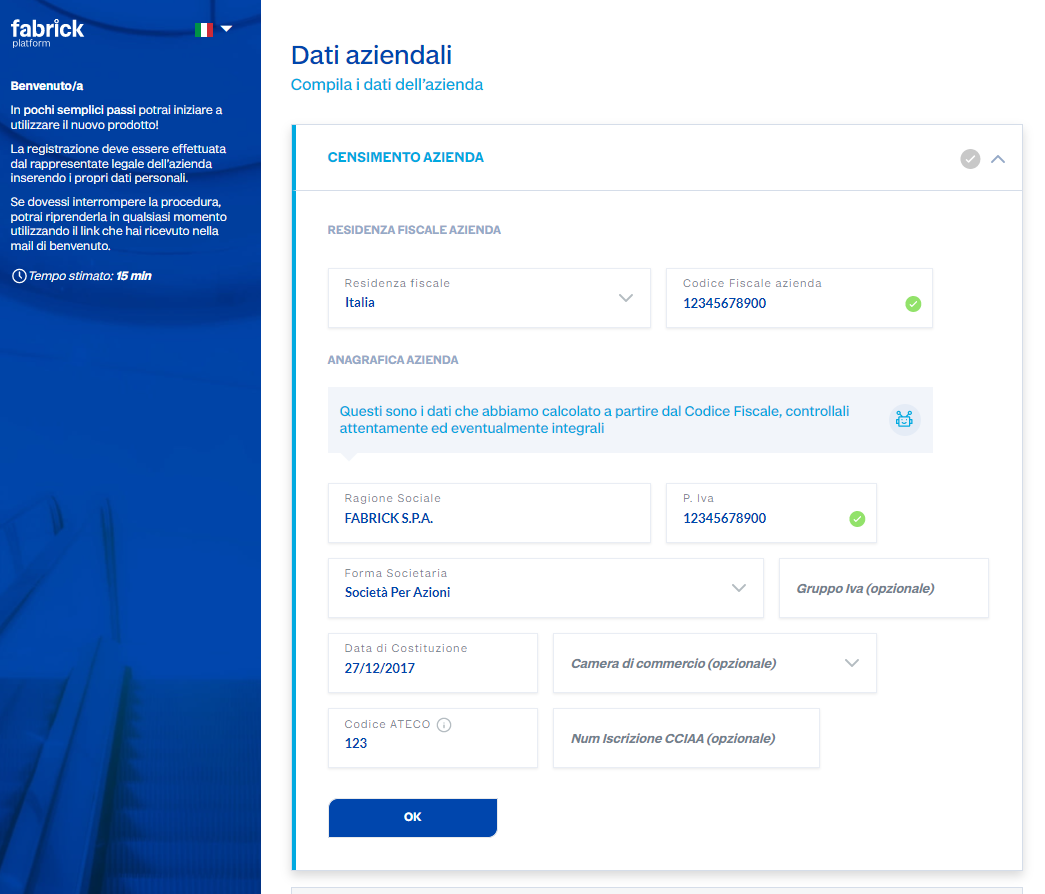
All entered data is verified in real time by Fabrick.

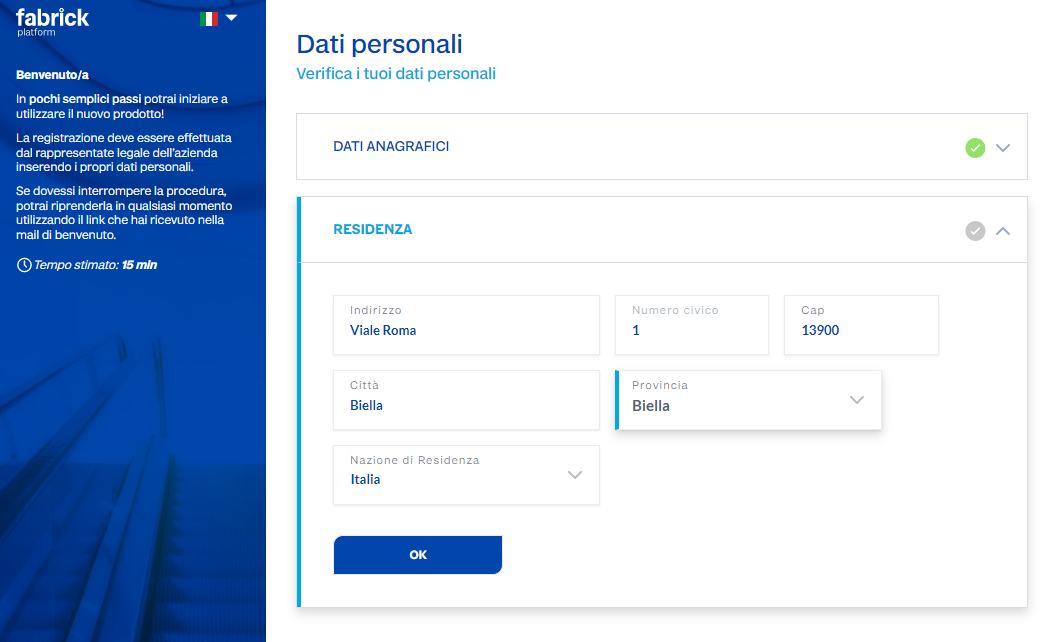
Subsequently, the address and contact details will need to be provided.
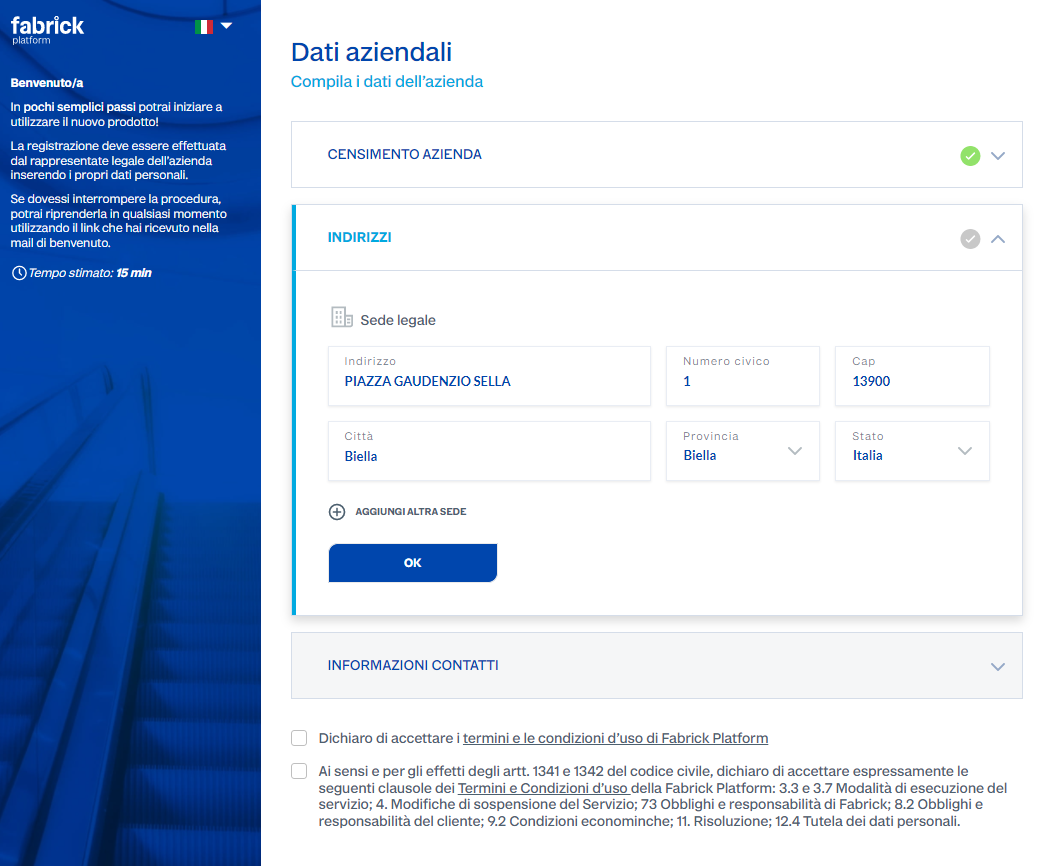
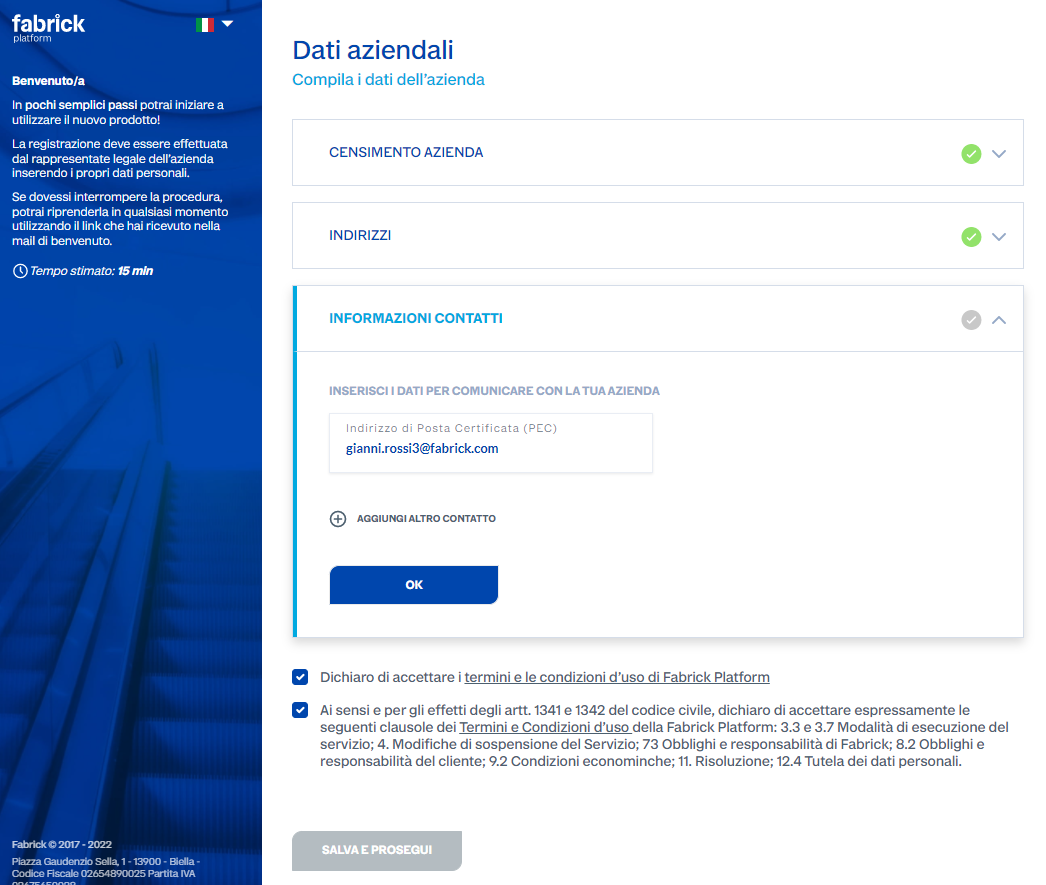
At this point the registration phase is complete.
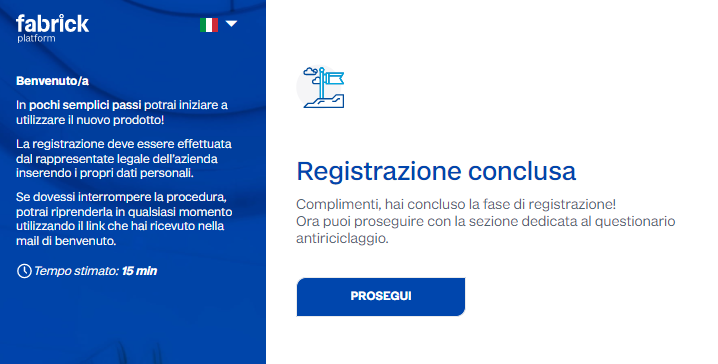
Anti-money laundering questionnaire

Identity verification
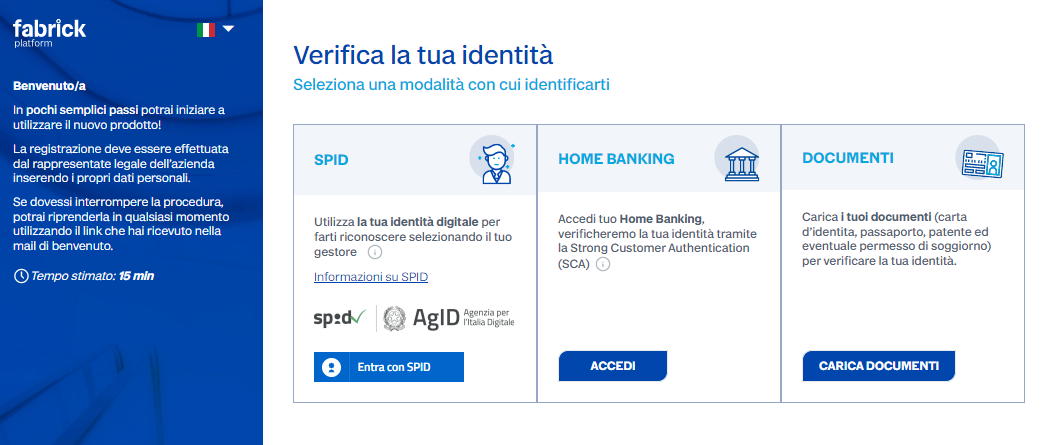
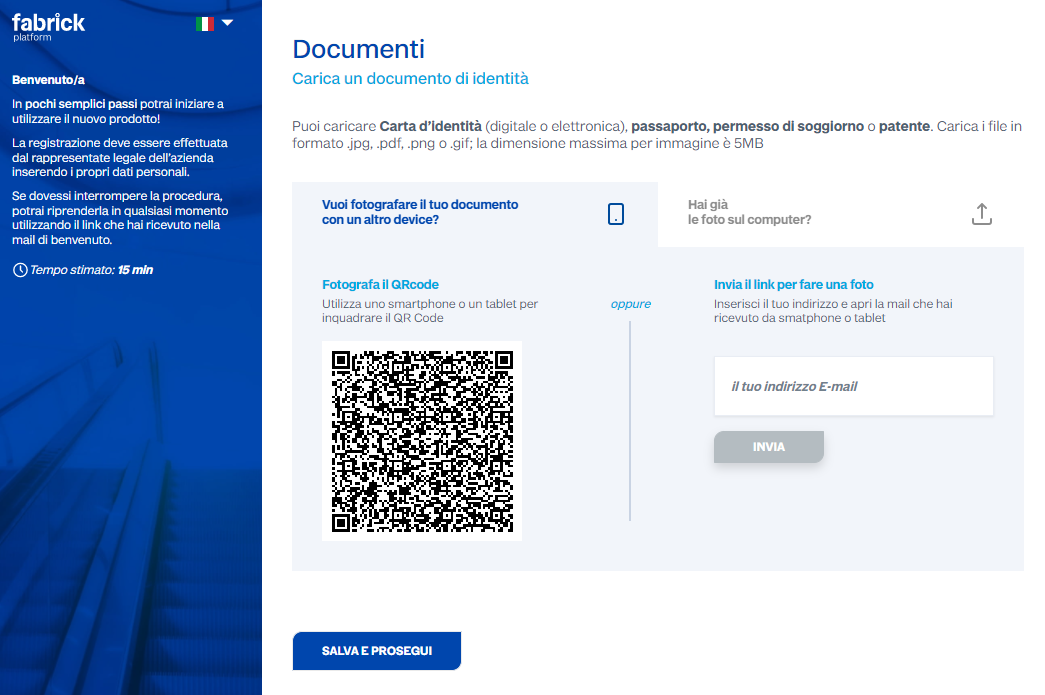
Assuming we proceed with the document option, the document will need to be uploaded.
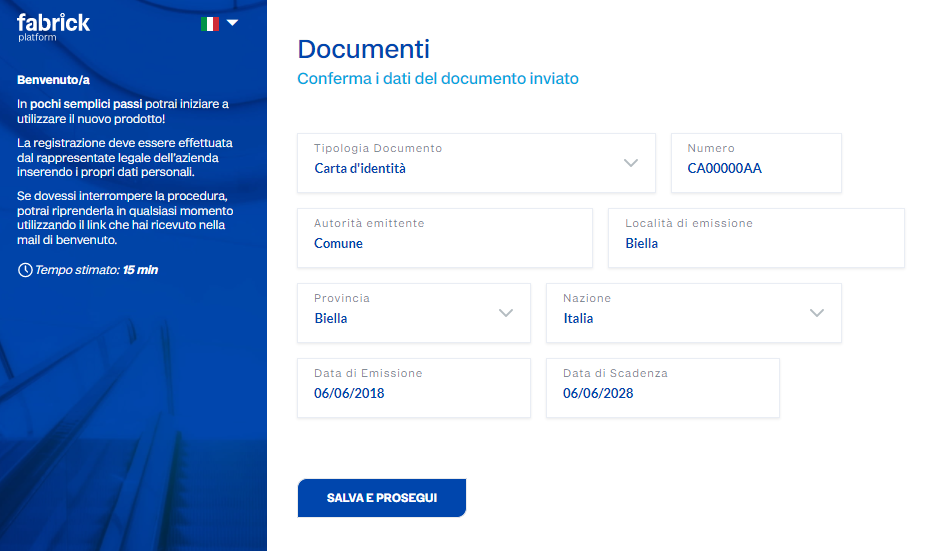
and the document details must be confirmed:
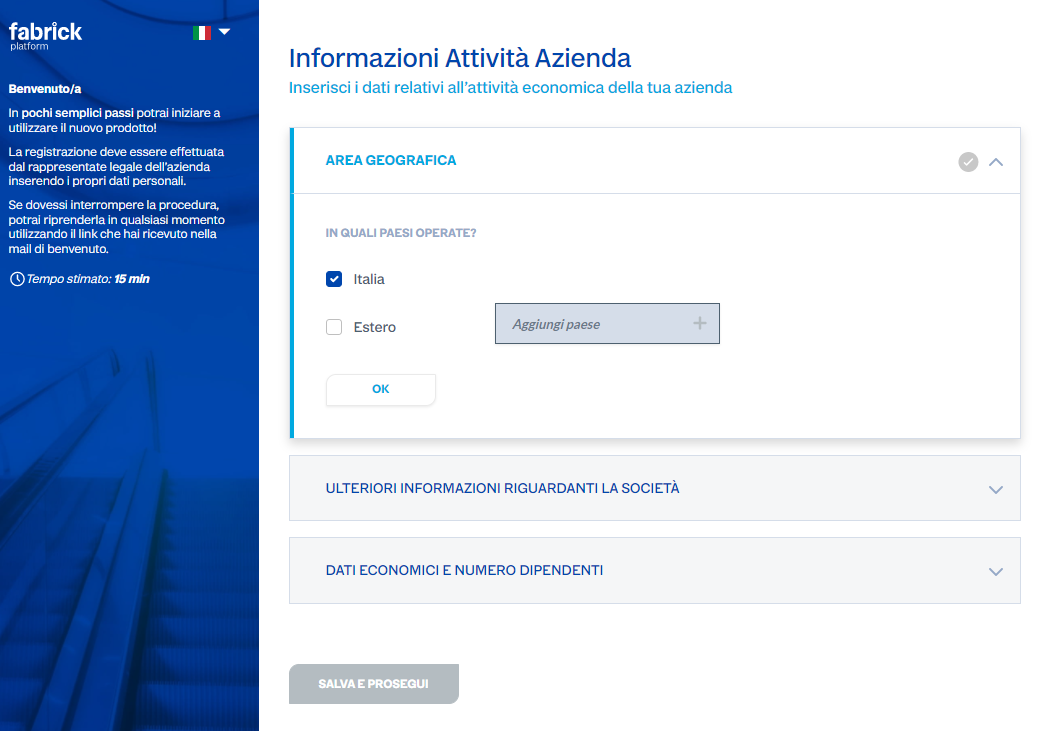
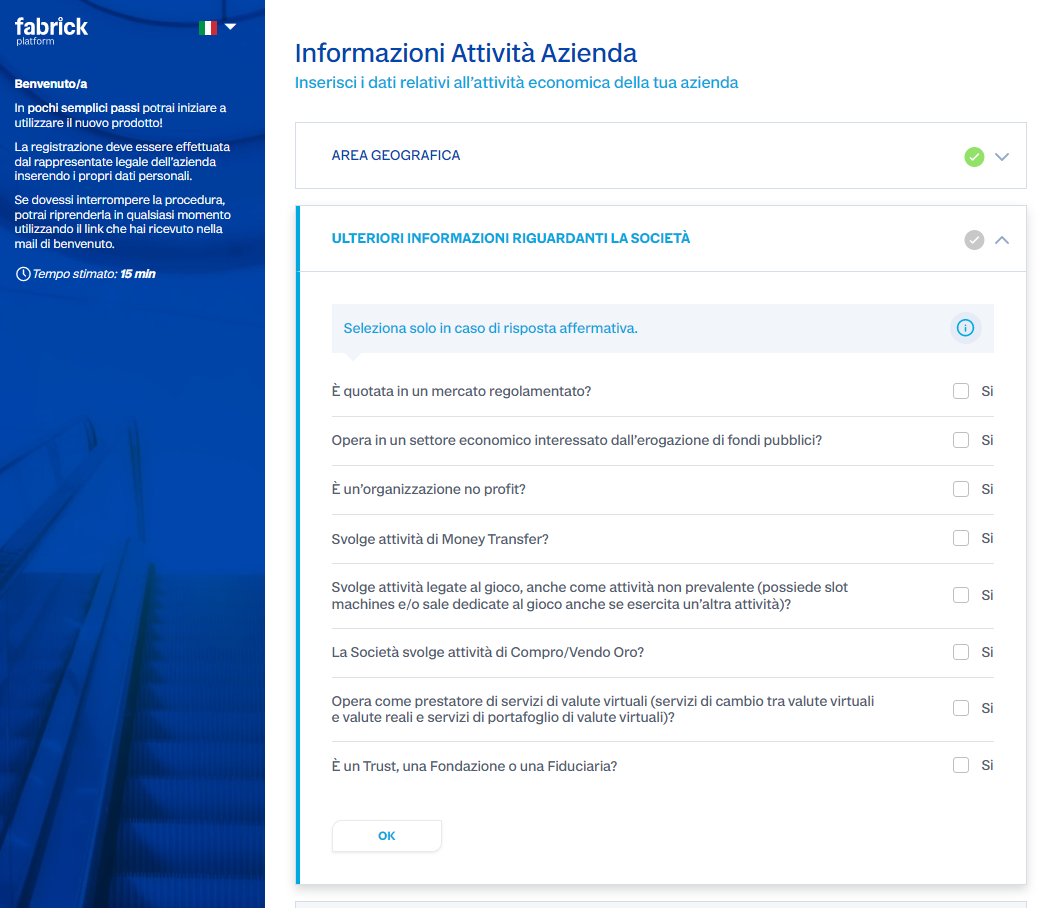
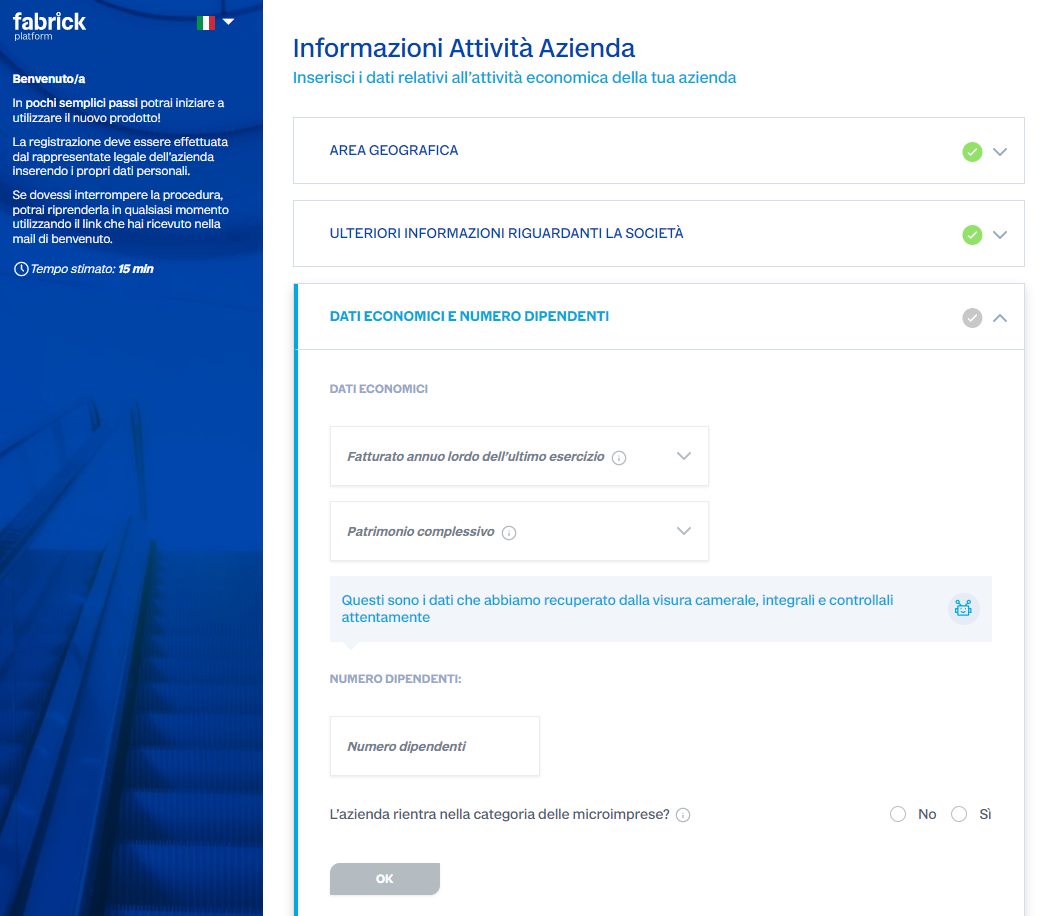
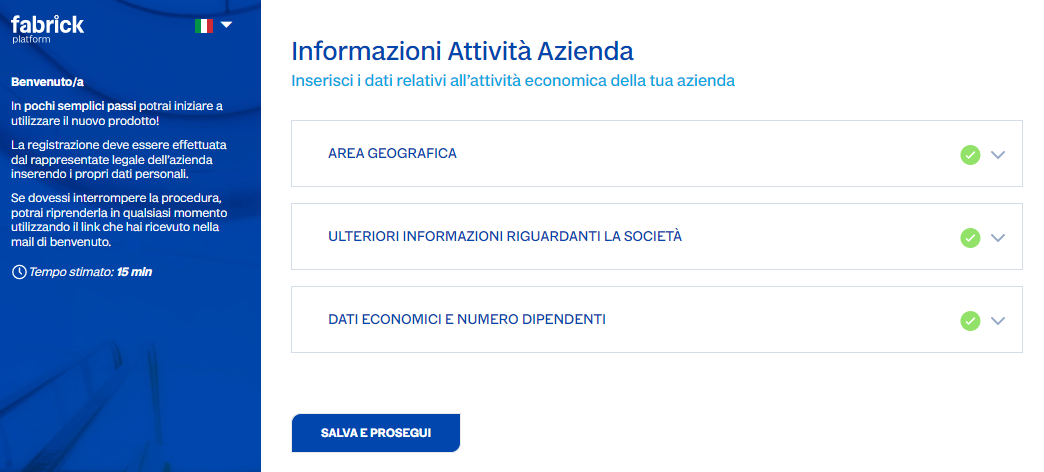
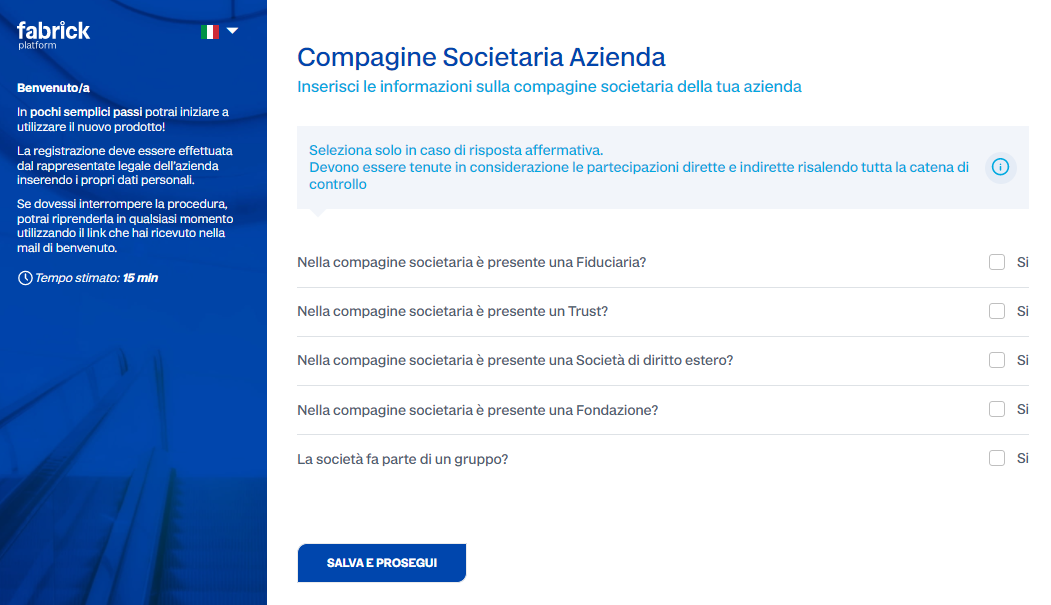
Company activity information
In this phase the user will need to answer a few questions regarding their company's activities.
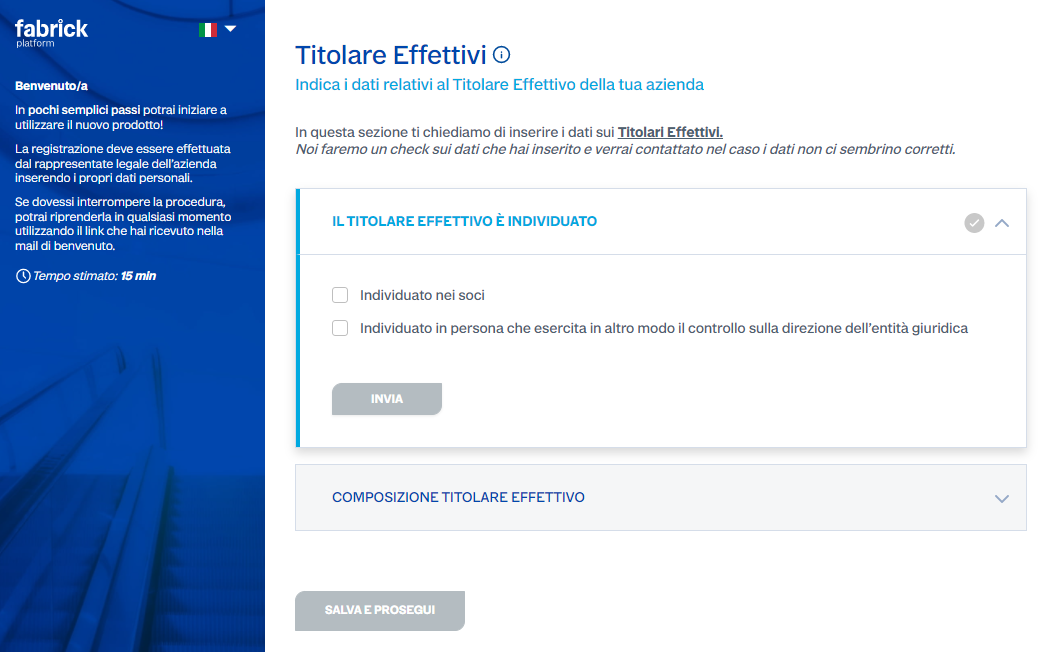
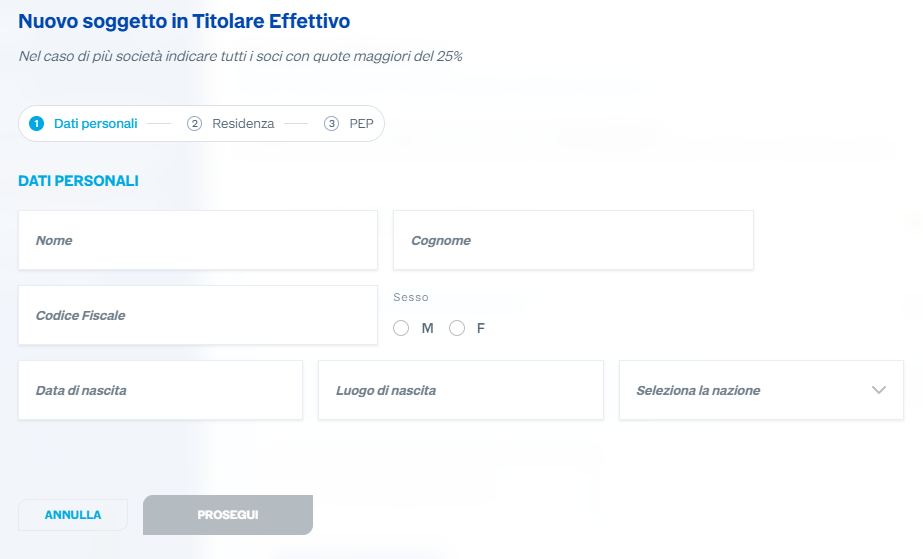
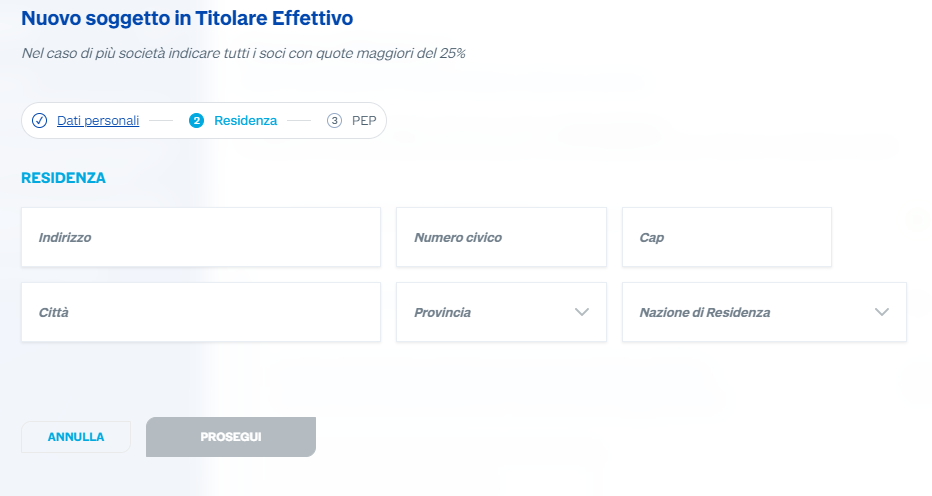
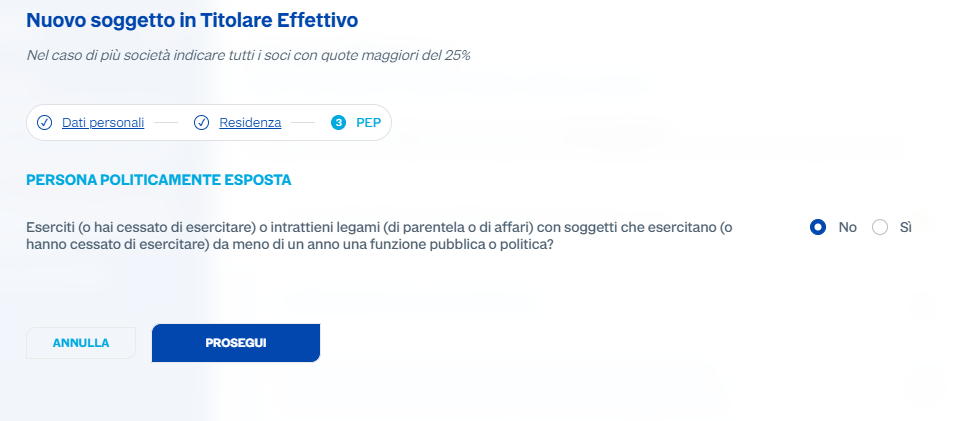
Beneficial owner information
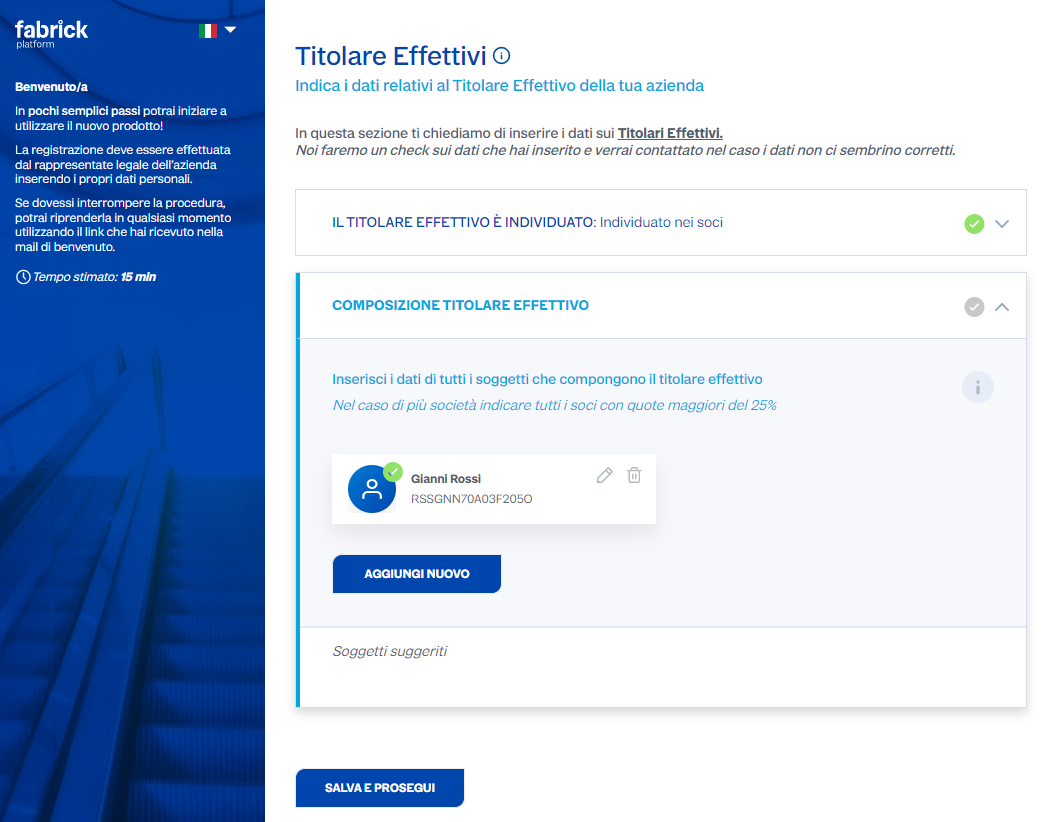
AML acceptance
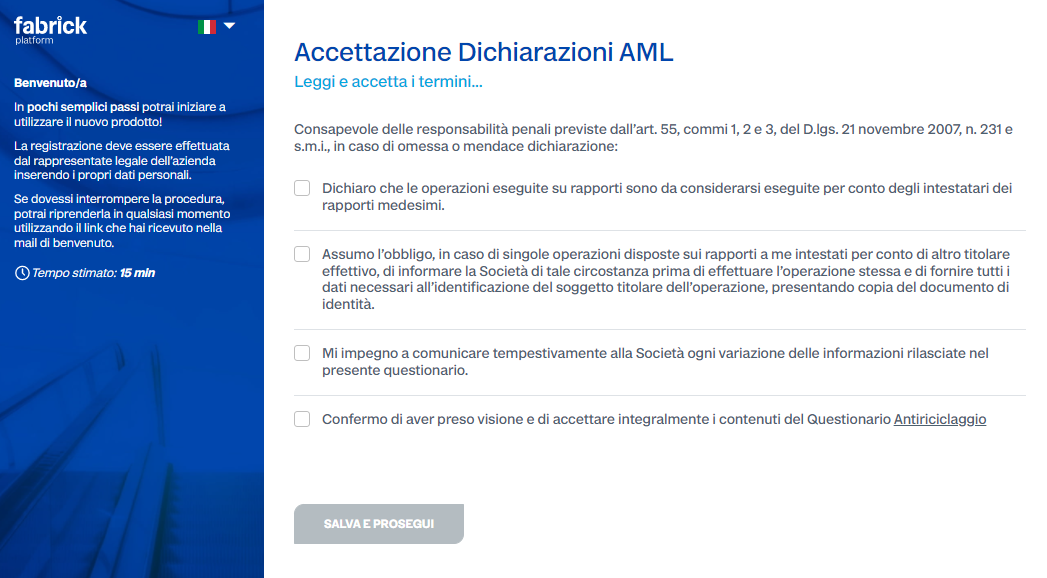
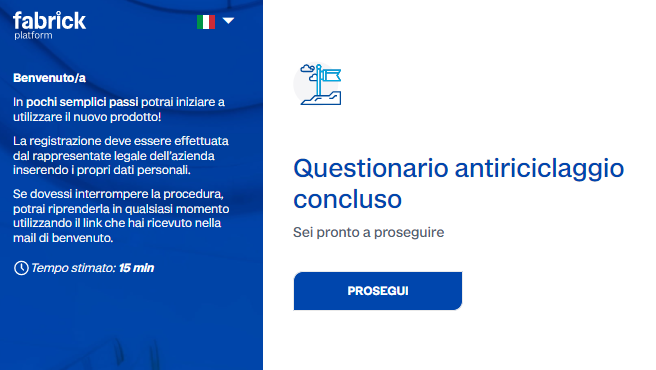
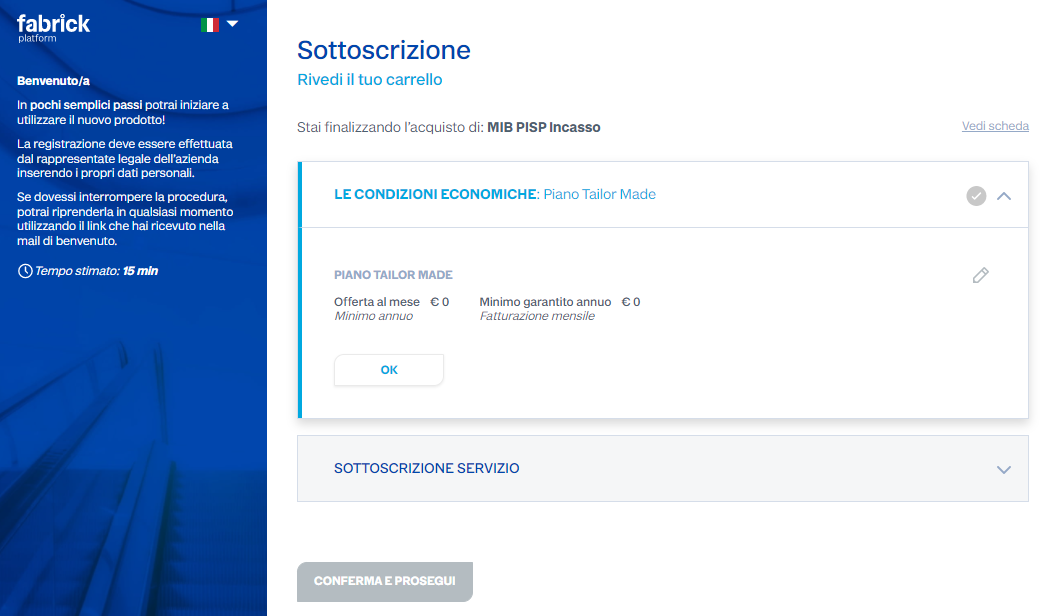
Service subscription
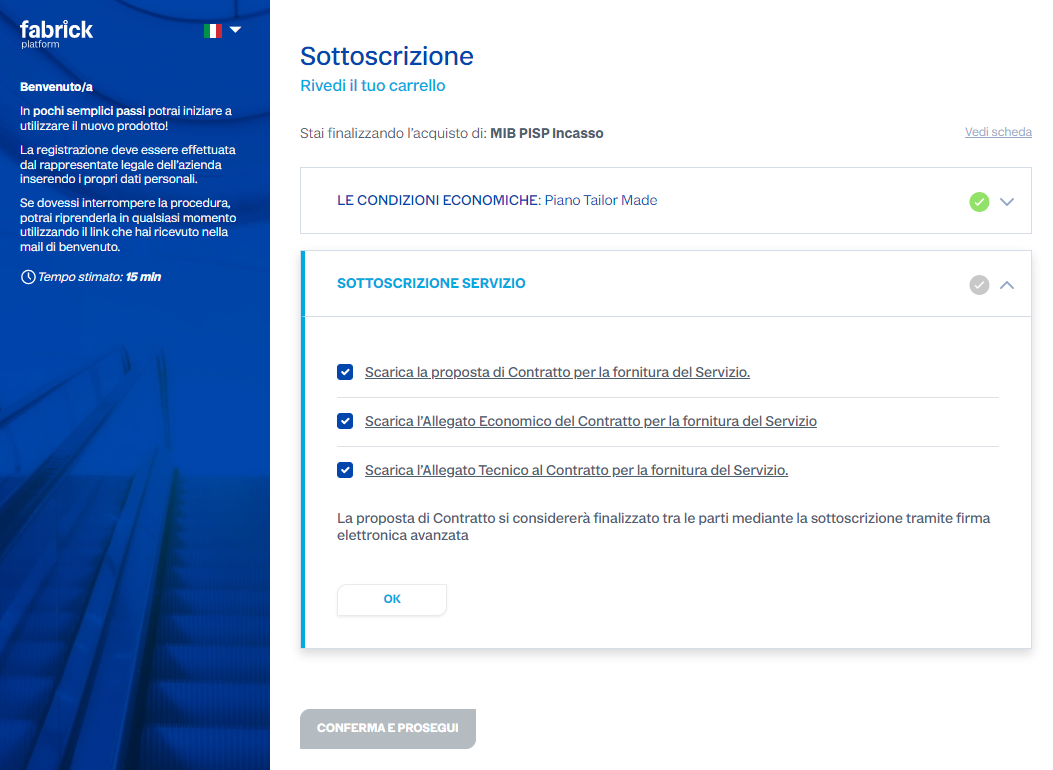
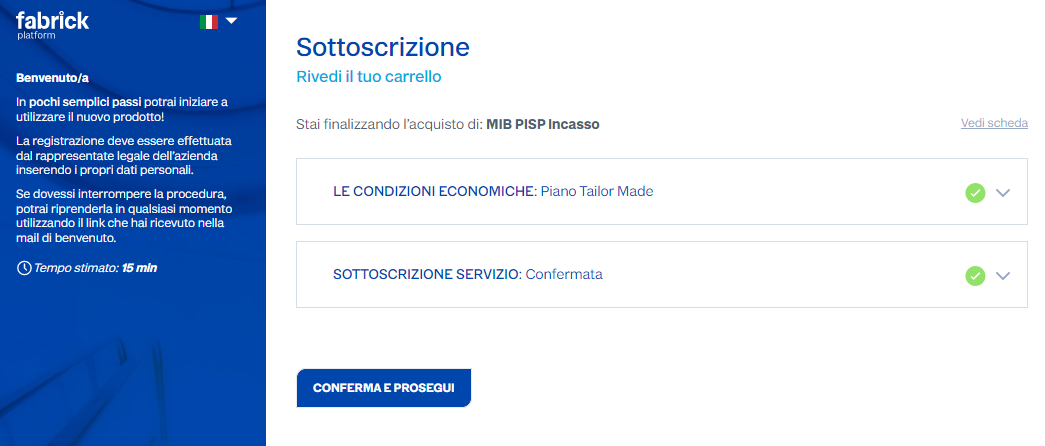
Document signing
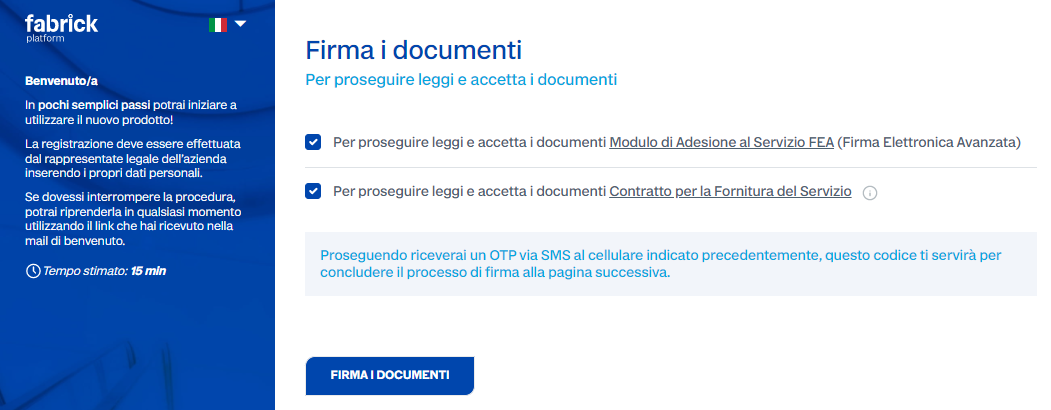
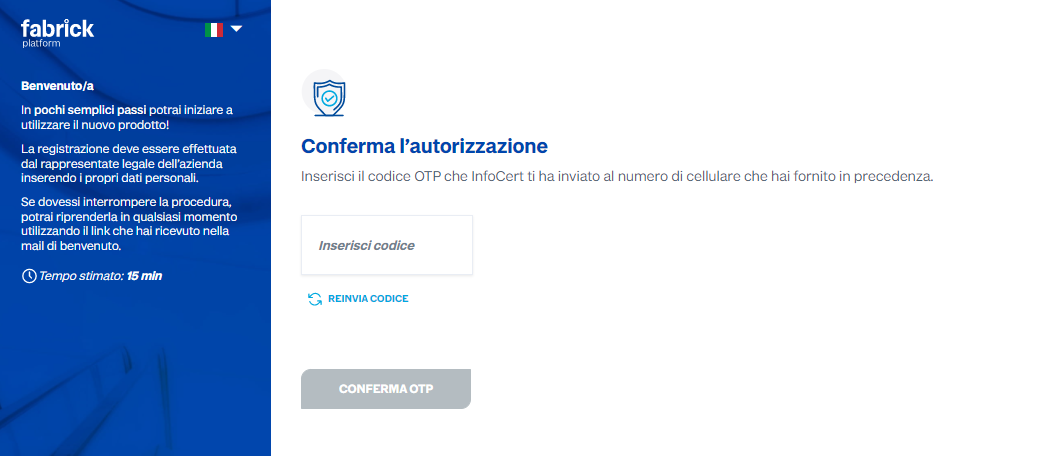
Delegation confirmation
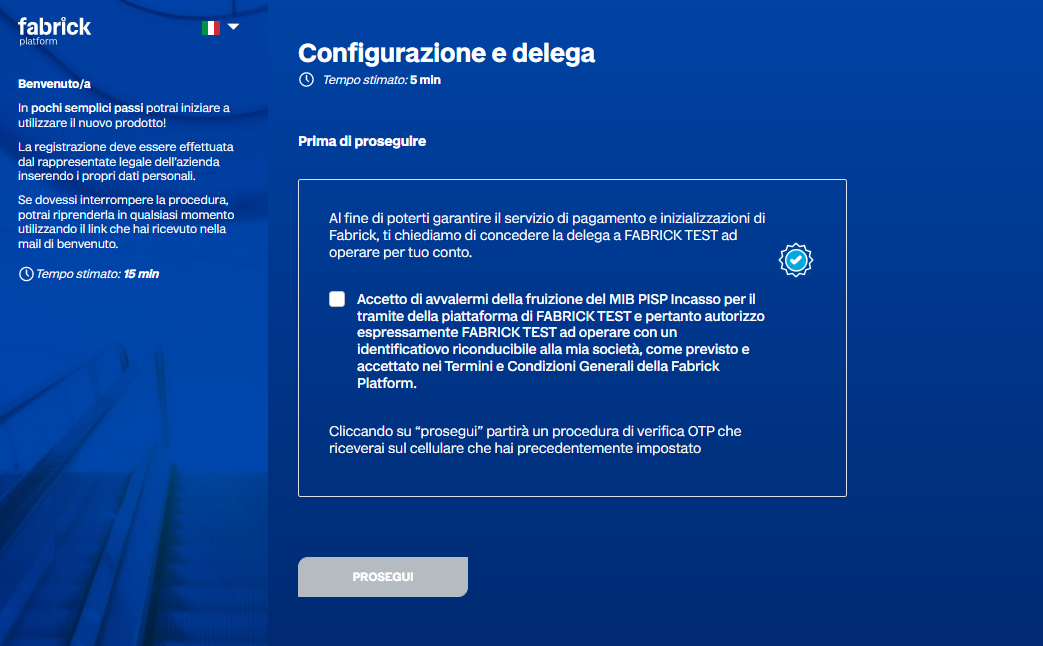
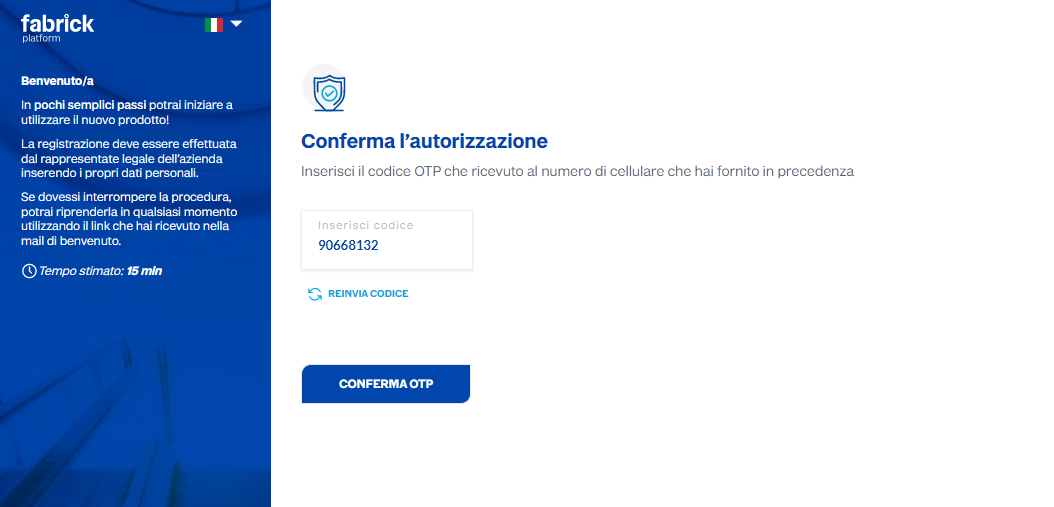
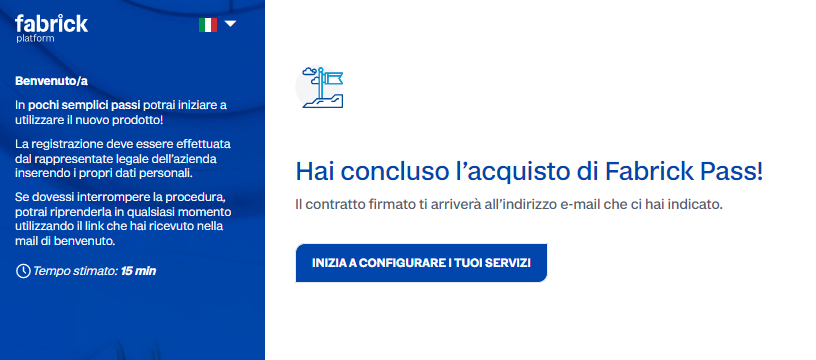
Adding the credit bank account
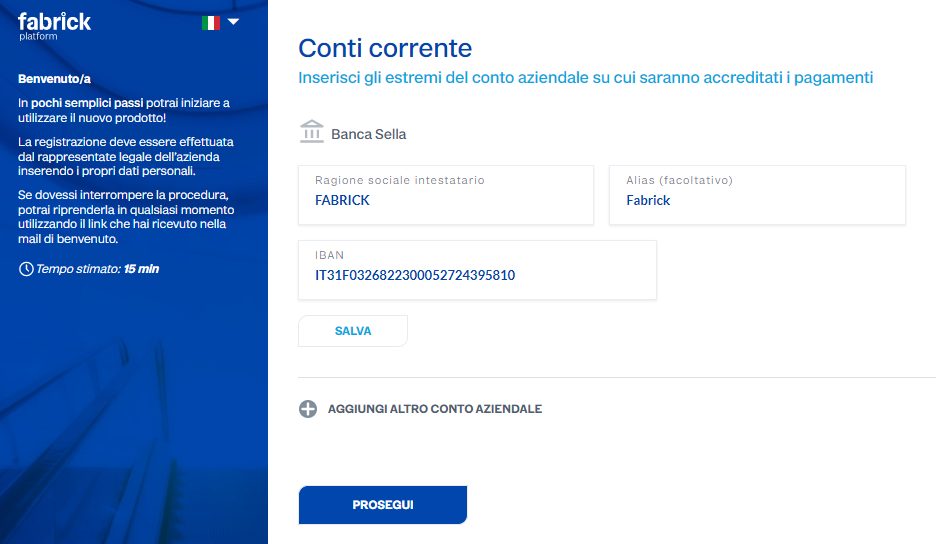
In the event that the provided IBAN corresponds to more than one bank, the user will need to explicitly indicate which one is theirs.
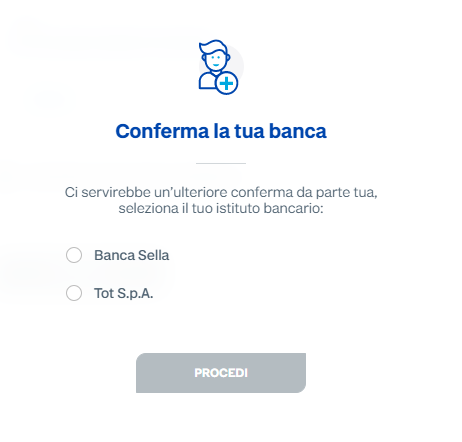
The entered account is verified in real time; in particular, it is checked that the account holder matches the company being registered that will be using the service. If the match is unsuccessful, the following message will be displayed.
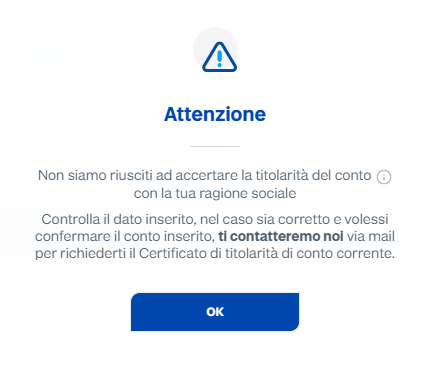
At this point, the account holder details should be verified and, if correct, support should be requested from Fabrick.